AI clip generator that explains every pick it makes
Handing clip selection to software only works if you can see its reasoning. ShortsCreator shows you the quote, the boundaries and a score with a written reason for every clip it proposes, then lets you change any of it by editing text. You stay the editor in chief; the software does the watching, cutting and captioning.

How a moment earns its score
Every proposed clip gets a number from 0 to 100. Behind it are four questions the model asks about the transcript:
The answer to the strongest of those questions appears next to the score in plain words, for example "opens with a direct question and resolves it in under a minute". Use it to sort quickly, and override it whenever your own judgement says otherwise.
- Hook. Do the first seconds give a viewer a reason to stay?
- Pacing. Does the segment move, or does it pause and repeat itself?
- Payoff. Does it end on an answer, a reveal or a line worth remembering?
- Topic. Is the subject clear without the rest of the video?
Read the clip before you watch it
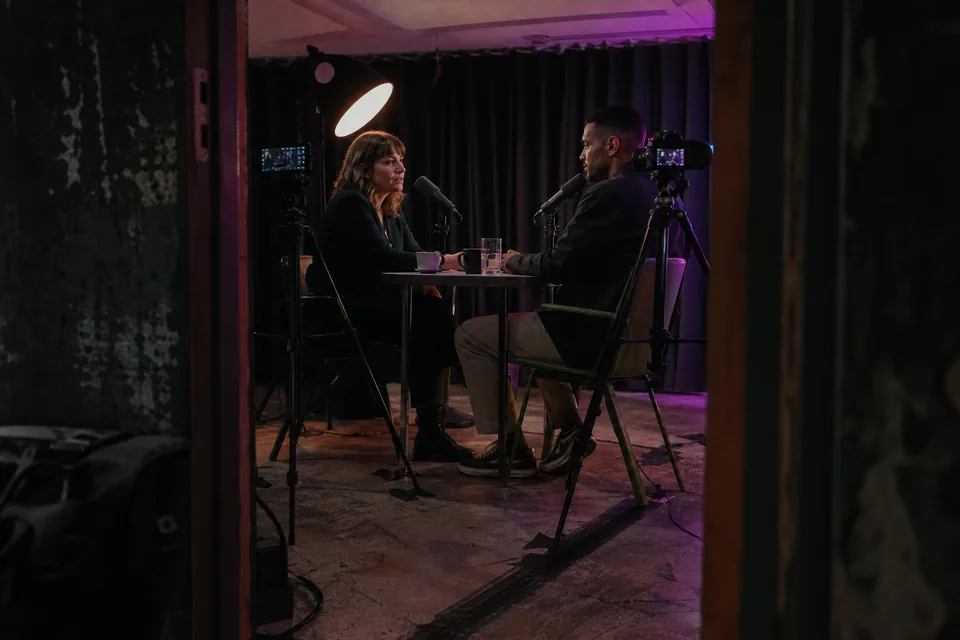
Because each suggestion starts with its exact quote, you can scan a dozen candidates in the time it takes to watch one. Skip the ones that miss, open the ones that read well and watch them in a vertical preview with captions already running. Reviewing by text is the main reason a long podcast episode stops being an all-day job.
The video clip maker part
Once a moment is chosen, the cutting and finishing happen automatically, and every result stays adjustable.
For the complete list of controls, see video editing software for youtube shorts.
- Aspect ratio of 9:16, 1:1 or 4:5
- Face tracking for one speaker, or a split layout for two
- Caption templates (word highlight, karaoke, minimal) using your brand kit fonts and colours
- A hook line on the first frame and a suggested title
- Trimming by selecting transcript words
- Export as a 1080x1920 MP4 at up to 60 fps with an SRT file
Who gets the most from it
Material with plenty of speech gives the generator the richest choice. That includes:
If you mainly work from YouTube links, the youtube clip maker page walks through that route in detail.
- YouTubers with weekly long videos who want several Shorts from each one
- video podcasters who want the strongest answers from every episode
- agencies producing clips for many client channels, each with its own brand kit and approval step
- education and media teams turning webinars, lessons and talks into highlights
Built for long recordings
A generator that suits a three minute video is easy to make. The harder case is a two hour podcast, a full day conference track or a recorded course module, where a person would need most of a working day just to watch the material once. Because ShortsCreator reads the transcript instead of the frames, length matters far less: the whole recording is searched in one pass and the strongest candidates rise to the top of the list.
For recurring shows, connect the channel and turn on autopilot (Studio and above). Each new episode is processed on arrival, so the review queue is waiting for you the morning after you publish. Teams that publish several shows can keep each one in a separate workspace with its own brand kit, so captions and title styles never get mixed up between programmes.
Every clip remains linked to its place in the source. Click its timestamp to jump to the surrounding context in the transcript, which helps when you want to check that a quote is not being taken out of its meaning.
Your footage stays yours
Source videos and transcripts are kept inside your workspace. They are not used to train any AI model. Enterprise workspaces also set how long files are retained, sign in through SSO and keep an audit log of every action.
Choose a plan by minutes and seats
Plans are sized by the minutes of source video you process each month. Creator gives one seat and 150 minutes, Studio three seats and 500 minutes, Agency ten seats and 1,800 minutes, Enterprise 25 seats and 6,000 minutes. Monthly prices are $49, $149, $499 and $1,499; billed yearly they are exactly half. Deleting a clip does not give minutes back, and you can cancel whenever you like with access until the end of the period you paid for.
FAQ
The list includes every moment that passed the model's threshold, sorted by score. If a part you like is missing, open the transcript and create a clip from it by selecting the words.
No. It is a ranking aid based on the transcript, not a forecast. Views depend on your audience, timing and the platform.
Yes. Studio includes three seats and Agency ten. Agency workspaces add owner, editor and reviewer roles and an approval step before anything is published.
No. Clips contain your own audio and video, with captions and text on top.
Put the generator to work on your footage
Paste a link to a long video and read the reasons behind each ranked moment.