YouTube to TikTok converter for the videos you own
You already filmed the hour. ShortsCreator turns your own long YouTube videos into vertical TikToks that stand on their own: the best moments picked from the transcript, the speaker kept in frame, captions placed above the TikTok buttons, and a title and hashtags written for TikTok rather than copied from YouTube.
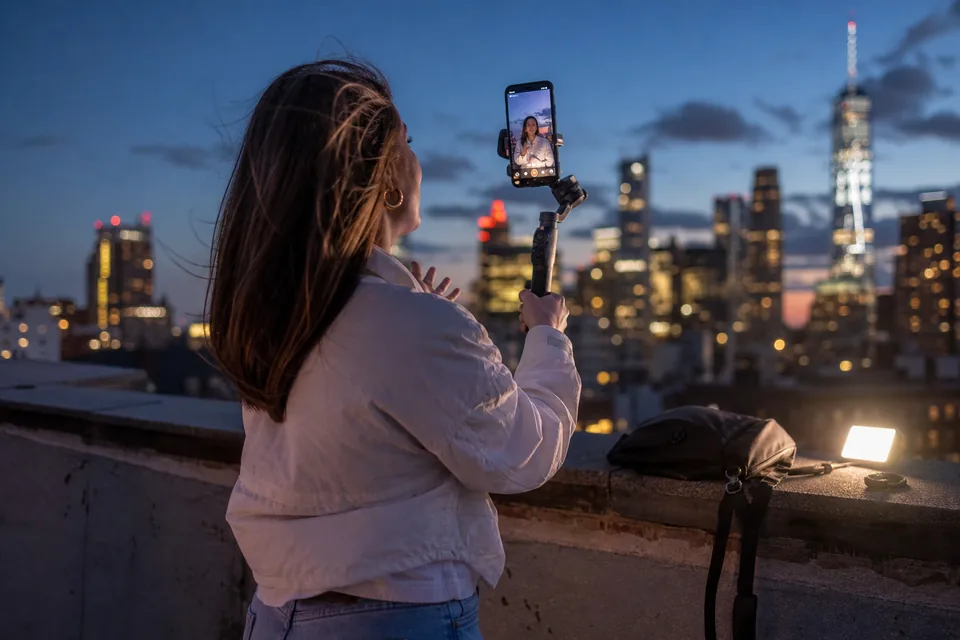
Built for repurposing, not for downloading
This converter is for creators, podcasters and agencies working with videos they own or have the rights to use. You paste a link to your upload, upload the original file, or connect your own channel.
ShortsCreator is not a downloader and does not exist to take other people's videos. Our terms ask you to clip only content you have rights to, and agencies connect client channels with the client's permission. When the work is yours, turning one long video into a month of TikToks is simply good use of footage you already paid for.
- Paste a link to your own YouTube video
- Upload MP4, MOV or MP3 originals
- Connect your channel for automatic clipping
From a YouTube upload to a TikTok post in four steps
- 1Bring the video in. Paste the link, upload the file or let channel autopilot pick up your newest upload.
- 2Review ranked moments. Each one shows the exact quote, the length between 15 and 90 seconds, a virality score from 0 to 100 and the reason behind it.
- 3Polish the clip. Trim by editing the transcript text, pick a caption template and check the vertical preview with the TikTok overlay on top.
- 4Schedule it. Pick a date in the calendar and the clip goes out to TikTok, and to YouTube Shorts and Instagram Reels if you want the same moment there too.
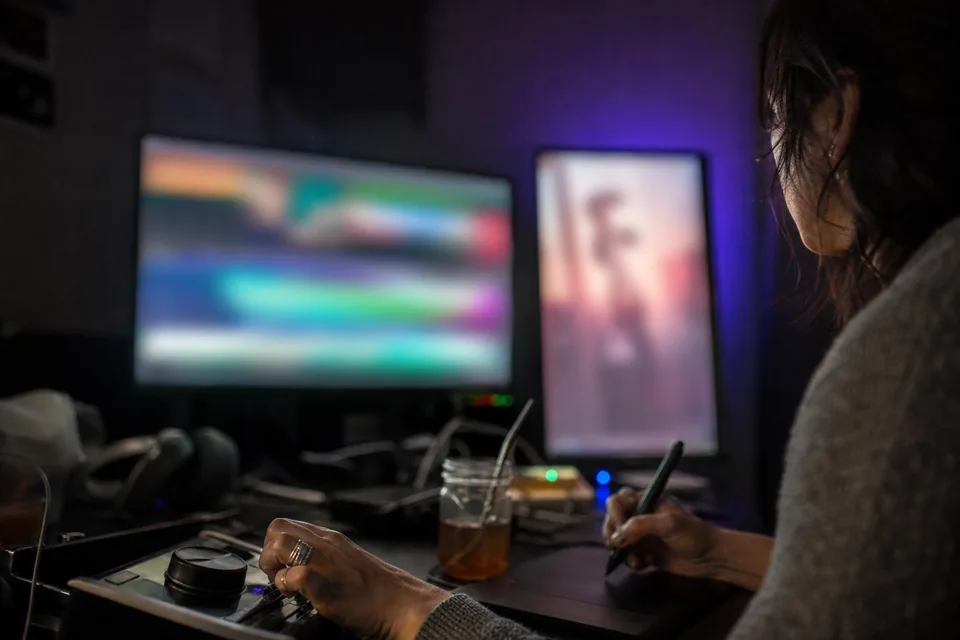
A TikTok is not a cropped YouTube video
A straight crop of a 16:9 video rarely works on TikTok. The person speaking drifts out of frame, the opening line is a slow intro, and the bottom third of the screen is covered by the caption and the account name.
ShortsCreator rebuilds the clip for the vertical feed. Face tracking keeps the active speaker centred in 9:16. Interviews switch to a split layout with both people visible. The first frame gets a short hook text so the clip makes sense before the first word lands. Captions sit inside the TikTok safe zone so nothing important hides behind the buttons.
- 9:16 at 1080x1920, up to 60 fps
- Speaker tracking and two-person split layout
- Hook text on the first frame
Words written for each platform
Your YouTube title was written for search and the browse page. TikTok works differently. For every clip, ShortsCreator writes a separate title, a short description and hashtags for TikTok, and different ones for YouTube Shorts and Reels when you post the same moment there.
You can edit any of them before scheduling, and your edits are saved with the clip. Hashtag suggestions come from the content of the clip itself, not from a generic list.
One long video, a week of posts
A 40-minute video usually holds several moments that work alone. Spread across a week, those moments keep your TikTok account active without new filming. Here is how a single upload can be laid out:
- Monday, the strongest opinion from the video as a TikTok and a Short
- Wednesday, a practical tip as a Reel and a TikTok
- Friday, the funniest exchange with the split layout
- Sunday, a short answer to the question viewers ask most
The calendar shows every scheduled clip across platforms, so you see gaps and repeats at a glance. The full flow to turn long videos into shorts uses the same steps for every platform.
Plans that cover weekly uploads
Creator at $49 a month schedules to YouTube. Studio at $149 a month adds scheduling to TikTok and Instagram Reels, 500 source video minutes, three channels and channel autopilot. Agency at $499 a month covers 25 channels with approval before anything is published. Yearly billing halves every price and is the default.
There is no free plan. The one-time demo lets you analyse one of your videos first. Compare everything on ShortsCreator pricing, or see how the youtube clip maker handles clips that stay on YouTube.
FAQ
Only videos you own or have permission to use. ShortsCreator is a repurposing tool for your own content, not a downloader for other people's videos.
Yes. Face tracking follows the active speaker in the vertical frame, and interviews can use a split layout with both people visible.
Scheduling to TikTok is included from Studio upward. On Creator you can export the 1080x1920 MP4 and upload it to TikTok yourself.
No. Captions are placed inside the TikTok safe zone, and the preview shows the overlay so you can check before publishing.
Yes. One clip can be scheduled to YouTube Shorts, TikTok and Instagram Reels, each with its own title and hashtags.
Turn your latest upload into TikToks
Paste a link to one of your own long videos and see which moments are ready for the vertical feed.