Video editing software for YouTube Shorts, built around your transcript
Every tool in ShortsCreator serves one job: getting the strongest parts of a long video onto the Shorts shelf, TikTok and Reels with as little manual editing as possible. Below is each feature in the order you meet it, from the first transcript to the audit log your security team asks about.
Word-level transcript
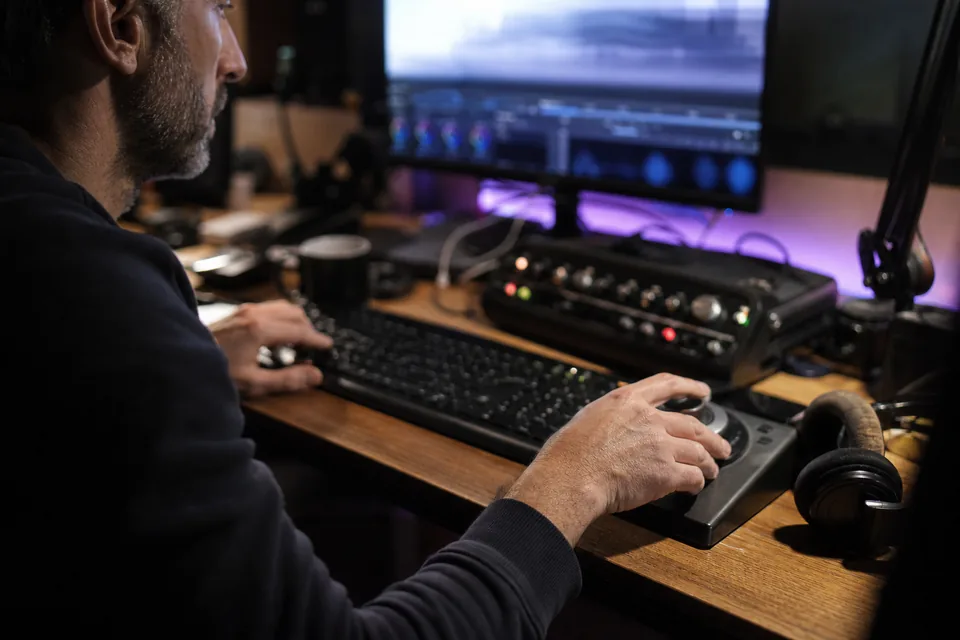
Every source starts as text. A speech recognition model transcribes the audio and stamps each word with its own start and end time. That precision is what lets the rest of the product cut on a syllable instead of a rough second, and it is the reason captions line up with the voice.
- Works on YouTube links, MP4, MOV and MP3
- Timestamps on every word
- Transcript stays private to your workspace
Moment finder
A language model reads the full transcript and proposes moments of 15 to 90 seconds that hold up without context: a question and its answer, a story with a payoff, a line people will quote. Each moment arrives with its exact quote and boundaries, so you can tell at a glance why it was picked.

Virality score with a reason
Moments are ranked by a score between 0 and 100. A number alone tells you little, so every score carries a one-line explanation covering hook strength, pacing, payoff or topic. Treat it as a second opinion that sorts the list, not a promise about views.
Vertical cut that follows the speaker
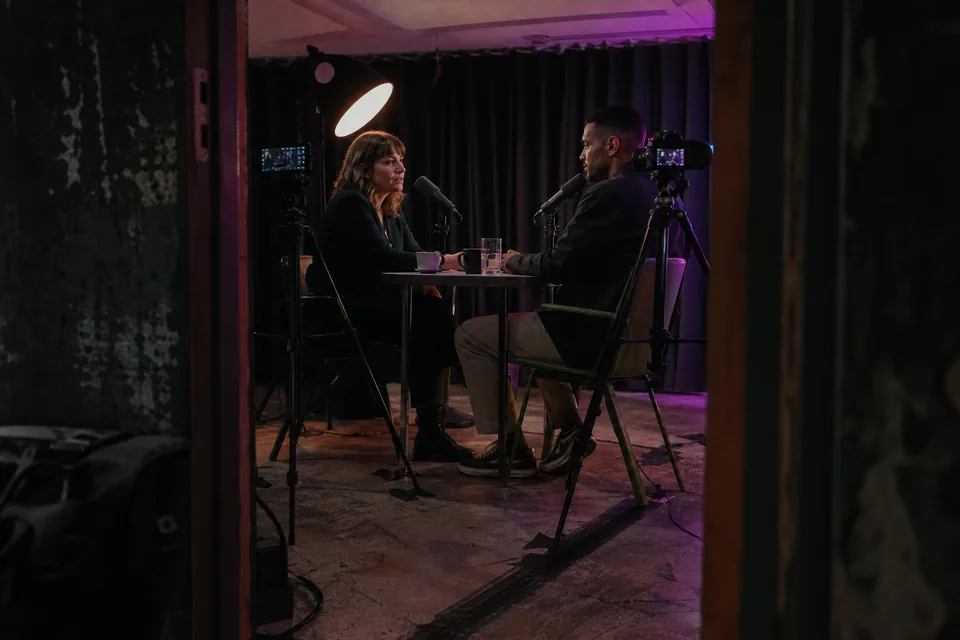
Clips are cut to 9:16 for Shorts, or to 1:1 and 4:5 when a feed calls for it. Face tracking keeps the person talking in the centre of the frame as they move. For podcasts and interviews, a split layout stacks two speakers one above the other so neither falls out of the shot.
- 9:16, 1:1 and 4:5 outputs
- Face tracking for single speakers
- Two-speaker split layout
Animated captions in your style
Captions appear word by word in one of three templates: word highlight, karaoke or minimal. Fonts and colours come from your brand kit. Emoji stay off by default, because many channels prefer clean text. Captions sit inside the safe zone of the platform you picked, clear of the buttons on the right and the description at the bottom.
Titles, hook text and hashtags
For every clip you get a suggested title, a short hook line that sits on the first frame, a description and a set of hashtags. Each is written for its destination, so the YouTube version reads differently from the TikTok one. Edit any of them before you export.
Editor that trims by text
Open a clip and its transcript sits beside the preview. Delete words to cut them, select a few more to extend the start or the end, and the video updates to match. From the same panel you swap the layout or change the caption template without leaving the clip.
Export ready for upload
Download a clip as a 1080x1920 MP4 at up to 60 fps, with an SRT file for platforms that read separate captions. Agency and Enterprise plans export a whole batch as one ZIP, which saves a long afternoon of single downloads.
- 1080x1920 MP4 up to 60 fps
- SRT caption files
- Bulk ZIP on Agency and Enterprise
Scheduling from one calendar
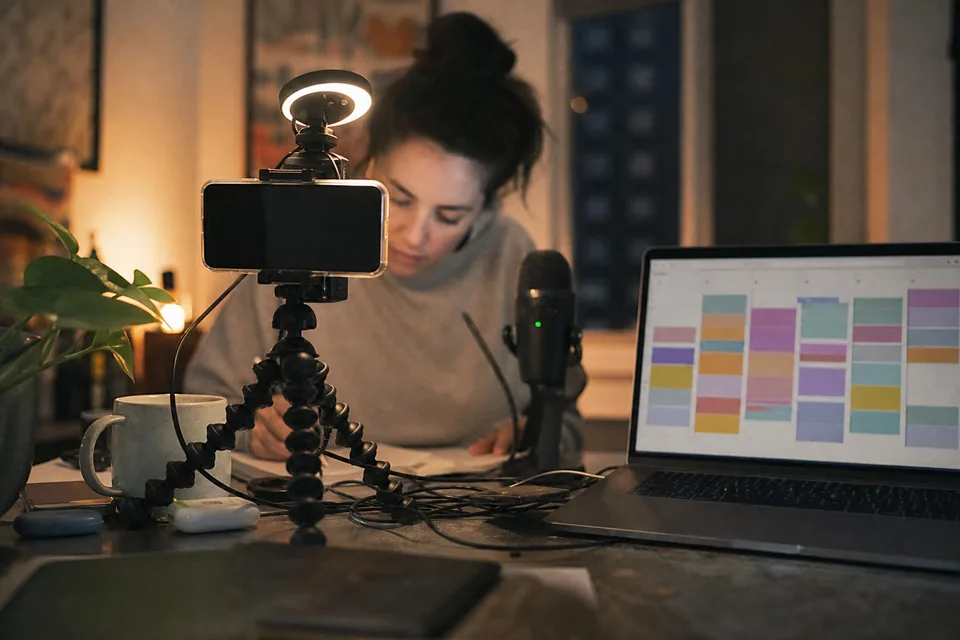
Approved clips go onto a calendar and publish to YouTube Shorts, TikTok and Instagram Reels at the time you set. Creator plans schedule to YouTube, Studio adds TikTok and Reels, and Agency adds an approval flow on every platform.
Channel autopilot
Connect a channel and every new upload on it is clipped automatically. The results land in a review queue with scores, titles and captions already applied, so the work left for you is choosing which clips to keep. Autopilot is included from the Studio plan.
Brand kits
Save your fonts, colours, your own logo as a watermark, plus intro and outro cards, as a brand kit. Apply it to any clip with one click. Creator includes one kit, Studio five, and Agency and Enterprise as many as you need, so each client keeps a separate look.

Teams, roles and approvals
Agencies get a workspace per client, each with its own channels, brand kits and clips. Three roles keep the work tidy: owners manage billing and members, editors build clips, reviewers approve them. Nothing in an approval workspace publishes until a reviewer signs off.
- One workspace per client
- Owner, editor and reviewer roles
- Approval before publishing
Enterprise controls
Larger media and education teams sign in through SSO (SAML), keep an audit log of who did what, set how long source files and transcripts are kept, and work under an uptime SLA. Invoices are issued for every payment, and Enterprise exports also come with API access.
Where to go next
Want the step by step version of this list? Read how to turn long videos into shorts. Curious about the AI side in particular? Our ai youtube shorts generator page explains what the models do and what they never do.
FAQ
Studio, Agency and Enterprise. Creator works with links, uploads and a connected channel, but you start each project yourself.
Yes. Add the font to a brand kit and every caption template can use it.
No. It only cuts, reframes and captions footage you already have. Nothing in a clip is generated.
Clips export as 1080x1920 MP4 files at up to 60 fps on Studio and above, and at 1080p without a watermark on Creator.
Try every feature on one of your videos
Paste a link and see the moment finder, the score and the vertical preview working on your own footage.