YouTube clip maker for creators who would rather film than edit
Paste the address of any public YouTube video and ShortsCreator returns a ranked list of clips worth posting, each one already cut to 9:16 with the speaker in frame. It is a clip maker designed around YouTube from the first click: it reads watch links, youtu.be links, live replays and Shorts URLs, and it publishes the finished clips back to your channel.
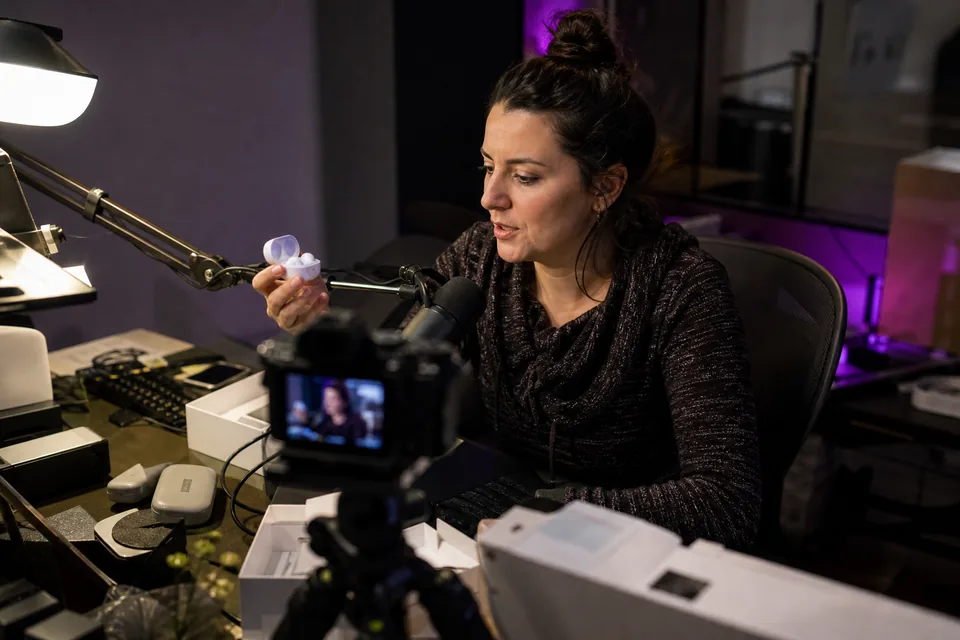
Start with a link, not a timeline
Most editors ask you to download the video, import it, scrub through it and mark in and out points. Here the first action is pasting a URL. The video is read, transcribed and searched for moments in one pass, and you get a list to choose from instead of a blank project.
- watch?v= links and youtu.be short links
- Live stream replays
- Existing Shorts you want to recut
- Your own MP4 or MOV if the video is not on YouTube
What comes back for each clip
Each suggestion is a complete clip rather than a pair of timestamps. Open one and you find:
- the quote it is built on, word for word
- start and end points that you can move by editing the transcript
- a score between 0 and 100 with the reason behind it
- a vertical framing that keeps the speaker centred, or a split view for two people
- captions animated in your chosen template
- a title, a hook line, a description and hashtags written for YouTube Shorts

Made for the YouTube way of working
Channels that win on Shorts usually post them alongside long videos, using the Shorts shelf to bring new viewers to the full uploads. That rhythm is built into the product. Connect your channel and, on Studio plans and above, every new long video is clipped automatically into a review queue. Approve the clips you like, place them on the calendar, and they publish to YouTube Shorts on the days you choose.
Captions respect the area of the screen that YouTube covers with buttons and the channel name, so text stays readable on a phone.
A clip maker that also feeds TikTok and Reels
The same clip can go further. Studio and higher plans schedule to TikTok and Instagram Reels from the same calendar, with titles and hashtags rewritten for each platform. If you post by hand, export a 1080x1920 MP4 and an SRT caption file and upload them anywhere you like.
Want the detail on every control? Our page on video editing software for youtube shorts lists them all, and the ai youtube shorts generator page explains how the models choose moments.
One upload, a week of posts
Here is how a single long video can fill a posting week. This is an illustration of the workflow, not a report on any channel.
- Monday, the clearest opinion from the video, posted to YouTube Shorts
- Tuesday, the same clip on TikTok with a reworded hook
- Wednesday, a short how-to segment for Shorts and Reels
- Friday, the funniest exchange in a split layout
- Sunday, a teaser that points back to the full video
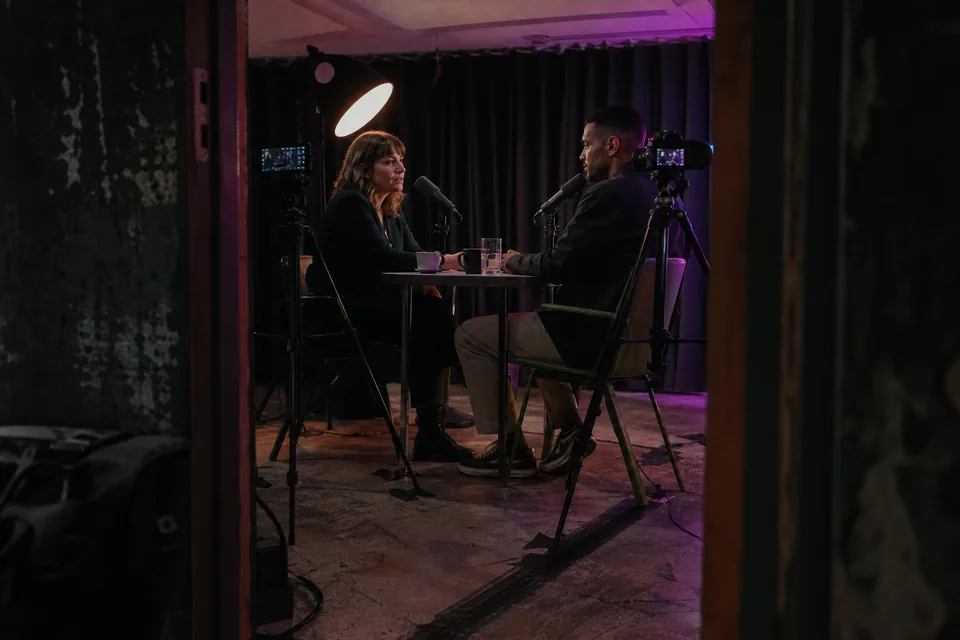
Interviews, guests and multi-camera recordings
Conversations are where a lot of the best clips hide, and they are also the hardest to reframe by hand. When two people share a wide shot, the clip maker can stack them in a split layout so both faces stay visible in the vertical frame. When the video cuts between cameras, face tracking follows whoever is on screen. Captions keep pace with both voices because the transcript times every word.
If a guest mentions a name or a term the transcript got wrong, correct the text once and the captions update in every clip that uses that passage. The same edit fixes the SRT file you export.
Clips from guests work well on the guest's own channels too. Export a clean MP4 and send it to them, or keep it on your calendar and let your audience find them through you.
Pricing that fits a weekly channel
Creator suits a solo channel: 150 source minutes a month, one connected channel and scheduling to YouTube, for $24 a month billed yearly or $49 monthly. Studio adds autopilot, TikTok and Reels with 500 minutes and three channels for $74 a month billed yearly or $149 monthly. Agency and Enterprise add many more channels, seats and minutes. Yearly billing saves 50 percent and is the default view on the ShortsCreator pricing page.
FAQ
You can analyse any public YouTube link. Publish clips only from videos you own or have the rights to use.
Yes. Paste the replay link once the stream has ended and it is treated like any other long video.
You choose before the analysis: 15 to 30 seconds, 30 to 60 seconds, or up to 90 seconds.
Yes. Select an earlier sentence in the transcript and the clip extends to include it. Trimming the end works the same way.
Paste a link and see your clips
The first ranked clip plays in a vertical preview a moment after the analysis finishes.