AI YouTube Shorts generator that works with the footage you already filmed
Some tools called an AI Shorts generator invent scenes, voices and stock visuals from a prompt. ShortsCreator does something narrower and, for a channel with an audience, far more useful. It takes a video you recorded, finds the parts worth watching and cuts them into vertical Shorts with captions and a title. Every frame in the result comes from your original footage.
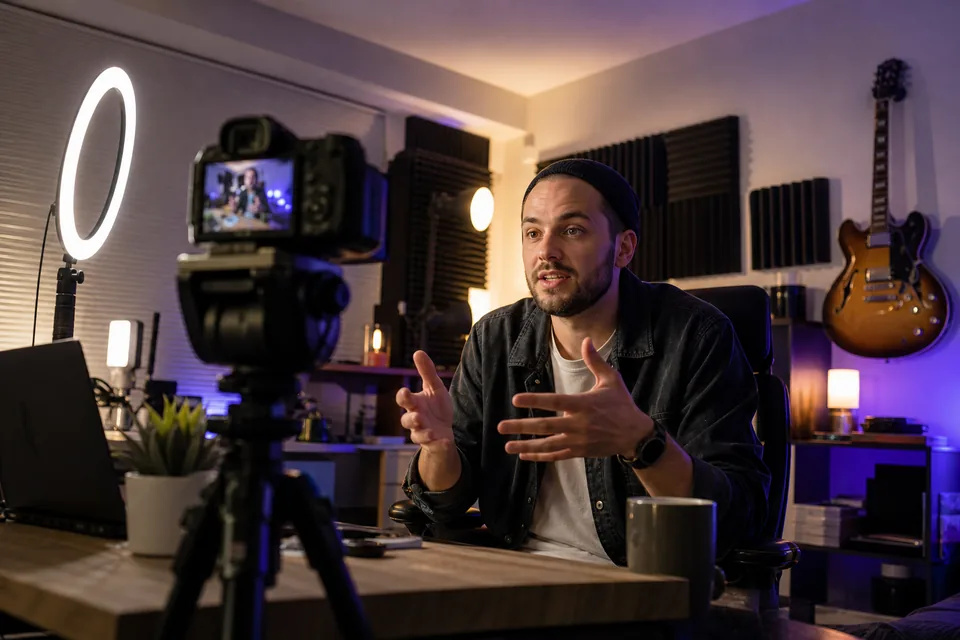
What the AI is responsible for
Two kinds of models do the thinking, and both work on language rather than pixels. A speech recognition model turns your audio into a transcript with timestamps on every word. A language model reads that transcript and decides which stretches make a complete, gripping clip on their own.
From there, ordinary video processing takes over: cutting at the chosen timestamps, cropping to 9:16, tracking the speaker's face and drawing captions on top. The intelligence sits in the choice of moments and the words around them, which is exactly the part that used to take an editor hours.
- Transcription of speech with word timing
- Ranking of self-contained moments
- Suggested titles, hook lines, descriptions and hashtags
What it never does
It never generates synthetic video. There are no AI avatars, no cloned voices, no made-up B-roll and no scenes that did not happen on your camera. Viewers who follow a Short back to your channel find the same person saying the same words.
That matters for trust and for practical reasons. A clip built from your own footage represents you accurately, and you never have to check a generated frame for odd hands or invented text.
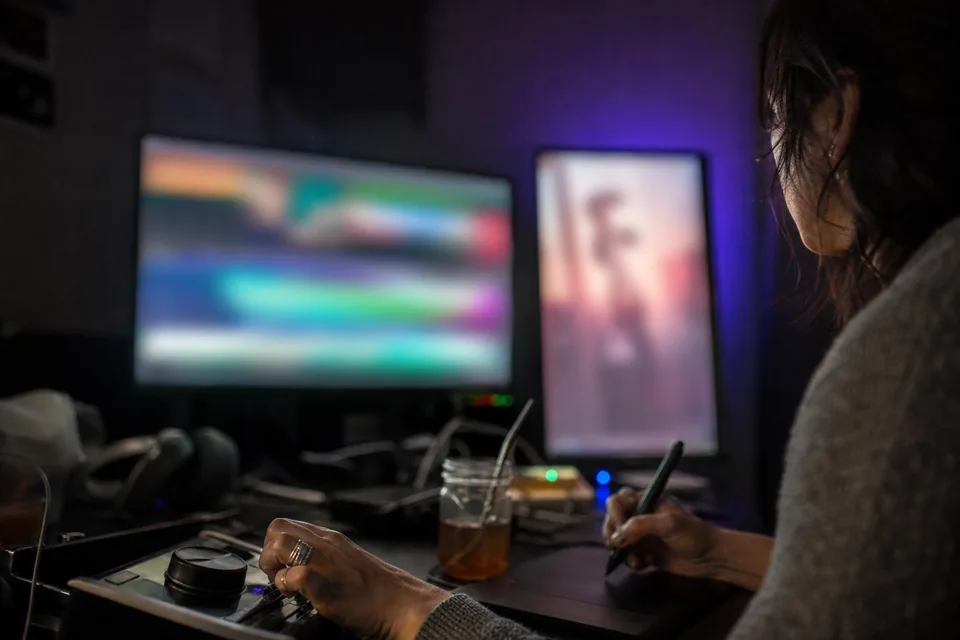
An AI Shorts maker for people who already publish long form
If you upload a weekly video, record a podcast or run live streams, you have hours of material each month. An AI Shorts maker that understands transcripts turns that archive into a steady supply of clips. A forty minute interview often holds several answers that land on their own; the moment finder surfaces them and ranks them from strongest to weakest.
Because the model works from what was said, it also catches moments that look ordinary on screen but sound strong: a sharp answer in a static interview, a clear explanation in a screen recording, a confession halfway through a vlog. Those are the clips a quick visual skim tends to miss.
Pick a target length before the analysis (15 to 30 seconds, 30 to 60 seconds, or up to 90 seconds) and a platform, and the suggestions follow both choices.
From the upload to the Shorts shelf
Once a moment is chosen, the clip is framed on the speaker, captioned word by word in your template and given a hook line on its opening frame. Edit the wording by selecting transcript text, then send the clip to the calendar. On Studio and higher plans, channel autopilot repeats all of this for each new upload without you starting a project.
The detailed walkthrough lives on the page about how to turn long videos into shorts, and the full list of controls sits under video editing software for youtube shorts.
Prompt based generators and footage based generators side by side
The phrase ai shorts generator covers two very different products. This short comparison helps you tell which one you need.
- Source. Prompt based tools start from a text idea. ShortsCreator starts from a video you made.
- People on screen. Prompt based tools show synthetic or stock people. ShortsCreator shows you and your guests.
- Best fit. Prompt based tools suit faceless channels. ShortsCreator suits creators, podcasters and teams whose face and voice are the brand.
- Review effort. Generated frames need checking for errors. Cut footage only needs a choice of moments and a quick edit.
Plans built on source minutes
Every plan counts the minutes of source video you process in a month. Creator includes 150 minutes for $49 a month or $24 a month billed yearly. Studio includes 500 minutes, Agency 1,800 and Enterprise 6,000. Yearly billing is shown by default and costs half the monthly price. Nothing needs topping up between periods, and you can cancel at any time, keeping access until the end of the paid period.
FAQ
No. It is an AI clipping tool. The models read and rank your transcript; the video in every clip is your own footage, cut and reframed.
Never. It does not clone voices, build avatars or create footage. It only shortens what you recorded.
No. Nothing you upload or link is fed into model training, and only members of your workspace can open your videos and transcripts.
Videos with clear speech give the model the most to work with: talking head videos, interviews, podcasts, tutorials and commentary. Music without words gives it little to read.
Yes. Paste a link in the demo and see the ranked moments for that video, with the first one playing in a watermarked vertical preview.
Let the AI read your next upload
Paste a YouTube link and see which moments it would turn into Shorts.