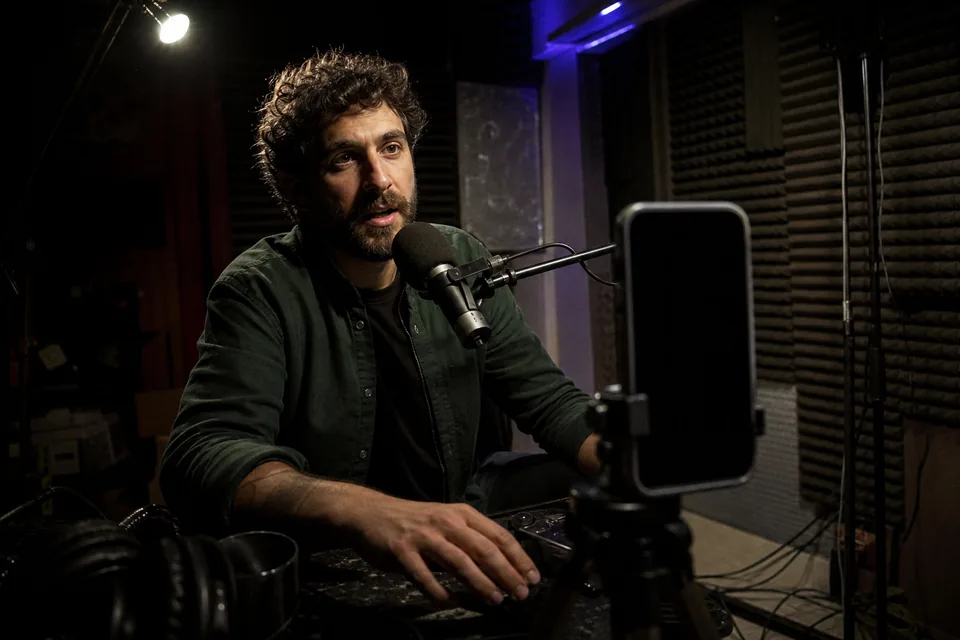
YouTube Shorts maker for long videos
Paste a link. ShortsCreator finds the moments worth posting, cuts them vertical with captions and a title, and schedules them.
- Fetching video
- Reading transcript
- Finding moments
- Scoring
- Framing preview
What one long video turns into
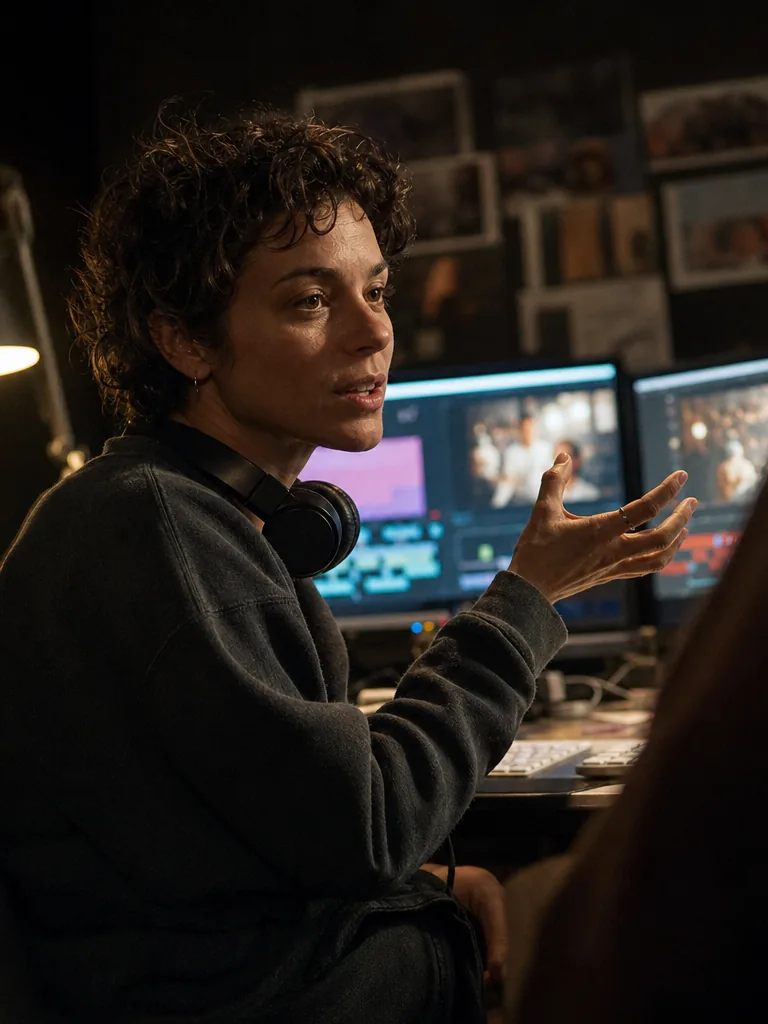
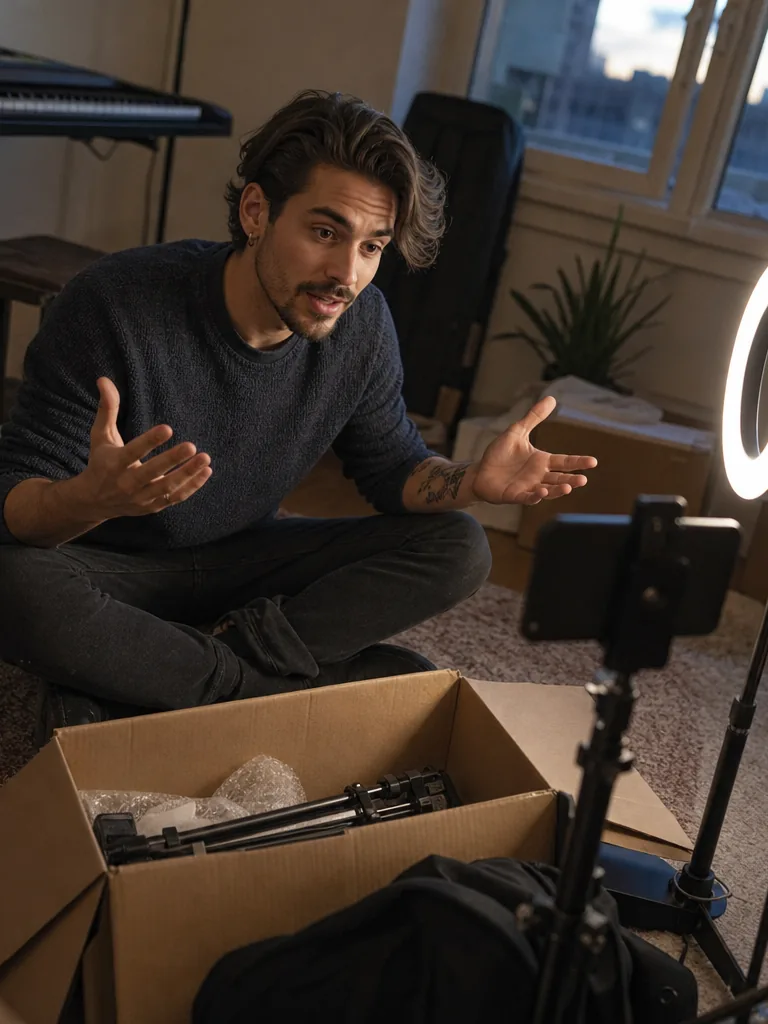
Every card is an example of what one long upload turns into: the moment, the caption style and the score, in the format you export.





Clips worth posting, not random cuts
ShortsCreator reads the whole transcript before it cuts anything, so every clip has a hook, a point and a payoff.
-
Every moment comes with a score and a reason
AI ranks self-contained moments of 15 to 90 seconds. Each one shows the exact quote and a virality score from 0 to 100, with the reason behind it.
-
Vertical cuts that keep the speaker in frame
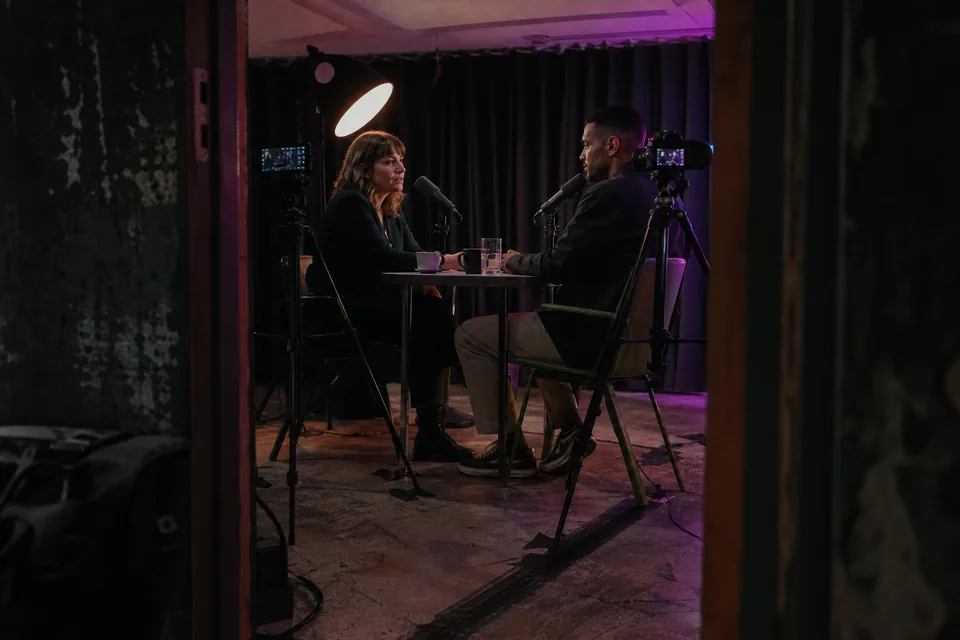
Every clip is cut to 9:16, 1:1 or 4:5 and reframed on the person talking. Two-host podcasts get a split layout, so both faces stay on screen.
-
Captions and titles in your brand
Animated captions use your fonts and colours. Every clip gets a title, a hook line for the first frame, a description and hashtags for each platform.
How the YouTube Shorts maker works
Four steps take you from one long upload to a week of finished Shorts. Read the full walkthrough on how to turn long videos into shorts.
-
1
Paste or connect
Paste a YouTube link, upload an MP4, MOV or MP3, or connect your channel. Every new upload is then clipped on its own.
-
2
Review ranked moments
Moments arrive sorted by score, each with its quote, timestamps and suggested title. Keep the ones you like with one click.
-
3
Edit by transcript
Trim a clip by deleting words in the transcript, swap the layout or change the caption template. The video follows the text.
-
4
Schedule
Drop approved clips into the calendar and ShortsCreator publishes them to YouTube Shorts, TikTok and Instagram Reels.
So, um, I mean, when the guest stops talking, wait. The silence is the answer.
One long video, a week of Shorts
This is how a single 40-minute upload fills a week across three platforms.
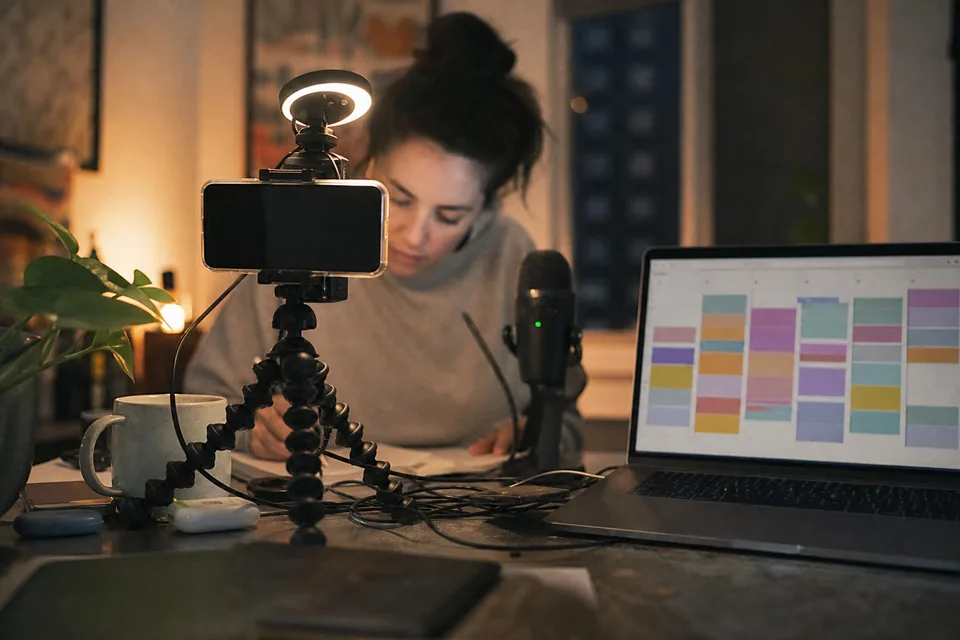
Times follow your own audience. Pick them once and every new batch lands in the same slots.
- Mon The setup nobody shows you
- Tue Why the first take never works
- Wed The tool I almost returned
- Thu What changed after the third try
- Fri The question everyone asks me
- Sat Behind the scenes in 30 seconds
- Sun The one thing I would do again
Built for agencies and content teams
Clipping for many channels is less about cutting and more about keeping every client separate and every post approved. ShortsCreator is a video repurposing tool built for that job.
- A workspace per client with its own channels, brand kit and calendar
- Roles for owners, editors and reviewers
- Approval before anything is published
- Invoices for every payment and yearly billing at half the monthly price
- Videos and transcripts private to the workspace, never used to train AI models

For the person who signs the invoice
Enter your own numbers and see what the clipping step costs you in editing time today.
Editing hours per month
52
Editing cost per month
$2,340
The calculator only multiplies the numbers you enter. It does not predict results.
Plans for every publishing schedule
All plans are subscriptions. Pay yearly and save 50%, or pay monthly and cancel anytime.
Creator
For a solo creator who posts one long video a week.
$24 / month
Yearly, per monthMonthly
- 150 source video minutes per month
- 1 connected channel and 1 seat
- 1080p export without watermark
- 1 brand kit
- Scheduling to YouTube Shorts
Studio
For a full-time creator or a video podcast.
$74 / month
Yearly, per monthMonthly
- 500 source video minutes per month
- 3 connected channels and 3 seats
- 1080p at 60 fps
- Channel autopilot
- 5 brand kits
- Scheduling to YouTube Shorts, TikTok and Reels
Agency
For agencies and studios clipping for clients.
$249 / month
Yearly, per monthMonthly
- 1,800 source video minutes per month
- 25 connected channels and 10 seats
- 1080p at 60 fps with bulk ZIP export
- Channel autopilot
- Unlimited brand kits
- All platforms with an approval flow
Enterprise
For media teams and networks.
$749 / month
Yearly, per monthMonthly
- 6,000 source video minutes per month
- Unlimited connected channels, 25 seats included
- Everything in Agency plus API access
- SSO, audit log and uptime SLA
Compare plans See every detail on the ShortsCreator pricing page.
| Plan | Monthly | Yearly, per month | Source video minutes per month |
|---|---|---|---|
| Creator | $49 | $24 | 150 |
| Studio | $149 | $74 | 500 |
| Agency | $499 | $249 | 1,800 |
| Enterprise | $1,499 | $749 | 6,000 |
Questions creators ask before they paste a link
Read every answer in the ShortsCreator FAQ.
It reads the full transcript and ranks moments that stand on their own: a clear hook, a point and a payoff. Each clip shows the quote and the reason for its score, so you can judge it in seconds.
Captions are animated word by word in templates such as word highlight, karaoke and minimal, in your brand fonts and colours. Emoji are off unless you turn them on.
Face tracking keeps the person talking in the centre of the vertical frame. When two people talk, the clip switches to a split layout.
Minutes count the length of the source video you process, not the clips you export. Creator includes 150 minutes a month, Studio 500, Agency 1,800 and Enterprise 6,000.
No. Your videos and transcripts stay private to your workspace and are never used to train AI models.
Yes. Cancel in your account and the plan stays active until the end of the period you paid for.
Public YouTube links work, including watch pages, youtu.be links, Shorts and past live streams. You can also upload MP4, MOV or MP3 files.
No. ShortsCreator cuts, reframes and captions your own footage. It never creates synthetic video.
Paste your next video and see the Shorts inside it
In about a minute the demo shows your ranked moments and a first vertical clip.