Three ways to turn long video into clips
Almost every tool on the market falls into one of three groups. Knowing which group you need narrows the choice faster than any feature list.
There is no single best video clipping software for everyone. A gamer cutting a clutch moment, a podcaster clipping answers and an agency serving twenty channels need different things. This guide compares the three main approaches honestly, lists what to check before you pay, and explains where ShortsCreator fits and where it does not.
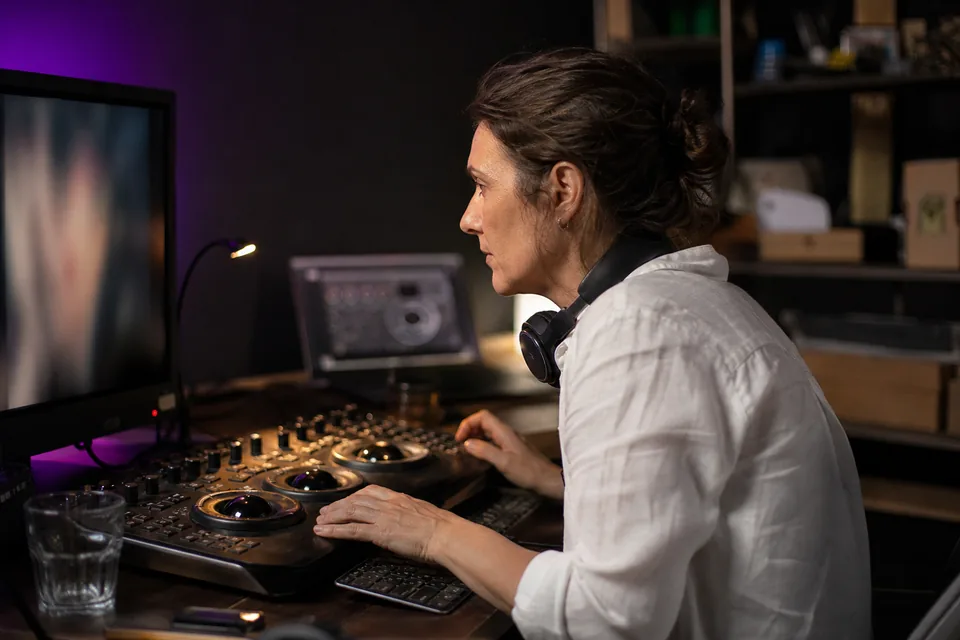
Almost every tool on the market falls into one of three groups. Knowing which group you need narrows the choice faster than any feature list.
Desktop and mobile editors such as Adobe Premiere Pro, DaVinci Resolve or CapCut give you full control over every frame. You find the moments yourself, set the crop, type or generate captions and export each clip one by one. The result can be exactly what you imagine, but the time cost grows with every long video. Clipping a 40-minute episode into ten vertical clips by hand usually means watching the whole thing first.
Some tools, for example Submagic, started with animated captions and added clipping later. They are strong at styling text on a clip you already chose. If you know which 30 seconds you want and care mostly about the look of the words, this group is efficient. Finding the moments is still partly your job.
AI clippers such as OpusClip, Vizard, Klap and ShortsCreator read the video, usually through the transcript, and suggest moments for you. They cut, reframe and caption in one pass. Full editors like Descript also offer clip features inside a broader editing suite. This group saves the most time on talking videos and gives the least frame-level control.
| What you care about | Manual editors | Caption-first tools | AI clippers |
|---|---|---|---|
| Finding the moments | you do it | mostly you | software suggests and ranks |
| Vertical reframing | manual keyframes | varies by tool | automatic, often speaker tracking |
| Captions | plugins or manual | the main strength | built in with templates |
| Speed per long video | slowest | medium | fastest on speech |
| Frame-level control | full | partial | partial |
| Best for | gaming, music, cinematic edits | stylised talking clips | podcasts, interviews, vlogs, tutorials |
This table describes the approaches, not individual products. Every tool has its own strengths, so test the shortlist on your own footage.
Pricing pages look similar until you read the units. These five points decide whether a tool fits a channel that publishes every week.
ShortsCreator is an AI clipper built for people who publish long-form every week. You paste a link, upload a file or connect a channel. The software reads the transcript, ranks self-contained moments from 15 to 90 seconds with a virality score and a reason, cuts them in 9:16, 1:1 or 4:5 with face tracking, adds animated captions in your brand and writes a title, hook text and hashtags for each platform.
On Studio and higher plans, channel autopilot clips every new upload into a review queue. Agency workspaces keep each client's channels, brand kits and approvals apart. Plans start at 150 source minutes a month on Creator and go up to 6,000 on Enterprise, with yearly billing at exactly half the monthly price. There is no free plan, only a one-time demo on one of your videos. You can read the details on ShortsCreator pricing or see the moment finder on the ai video clipper page.
We would rather you pick the right tool than the wrong subscription. ShortsCreator works from speech, so silent gameplay, music videos and montage edits are better served by a timeline editor. If you post one clip a month, a manual editor costs less than any plan. If you need frame-by-frame motion graphics on every clip, export from ShortsCreator and finish in your editor, or start there.
If you are comparing AI clippers directly, our neutral opus clip alternative page lists the public pricing units and the differences in approach.

No. The best choice depends on the type of video and how often you publish. Talking videos benefit most from AI clippers, while gaming and music edits usually need a timeline editor.
It varies. Some tools count the length of the source video, others count clips or exports. ShortsCreator counts source video minutes per month, and deleting a clip does not return minutes.
Look for speaker tracking and a split layout. ShortsCreator follows the active speaker and can stack two speakers in the vertical frame.
For most talking clips, no. For heavy visual effects or footage without speech, a timeline editor remains the better tool.
Use the same long video in every tool on your shortlist and compare moment choice, framing and caption quality side by side.
Paste a link and compare the moments ShortsCreator picks with the ones you would have chosen. The first clip plays in a vertical preview within the demo.
Save your result and unlock every moment from this video.
Already have an account?
By creating an account you accept the Terms and the Privacy policy.
Your account includes the full moment list of one demo video and one watermarked 360p download. Pick a plan to export in 1080p without a watermark, schedule clips and connect your channel.